
Overview
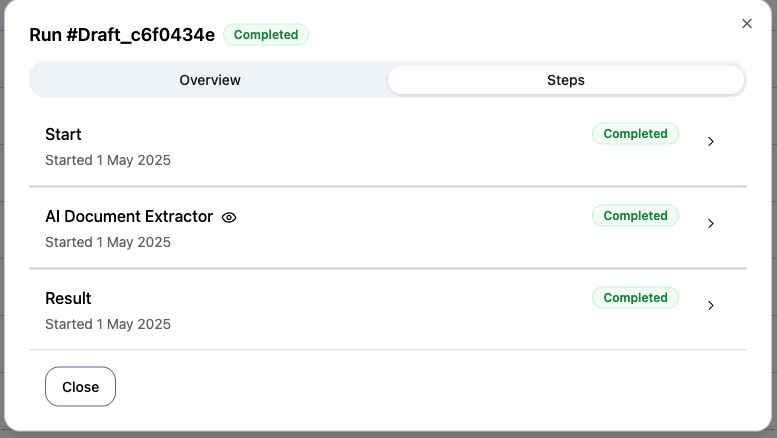
The audit and logging system provides complete visibility into your workflow activities, helping you monitor performance, troubleshoot issues, and maintain compliance. To see a run logs, click the eye icon in the run view:
What gets logged
Workflow executions
Every workflow run is logged with:- Execution ID and timestamp
- Trigger source (manual, email, schedule, webhook)
- Input data
- Output results
- Status (success, failed, etc…)
Node executions
Individual node execution details:- Node type and configuration
- Input data received
- Output data produced
- Processing time
- Error messages (if any)
User actions
Track user activities:- Task completions
Accessing logs
Navigate to the workflow run’s section, click on the detail of the run and see details.Compliance
Audit logs support compliance requirements:- Immutable record of all actions
- User accountability
- Data processing transparency
- Audit trail for regulatory requirements