
What is an application?
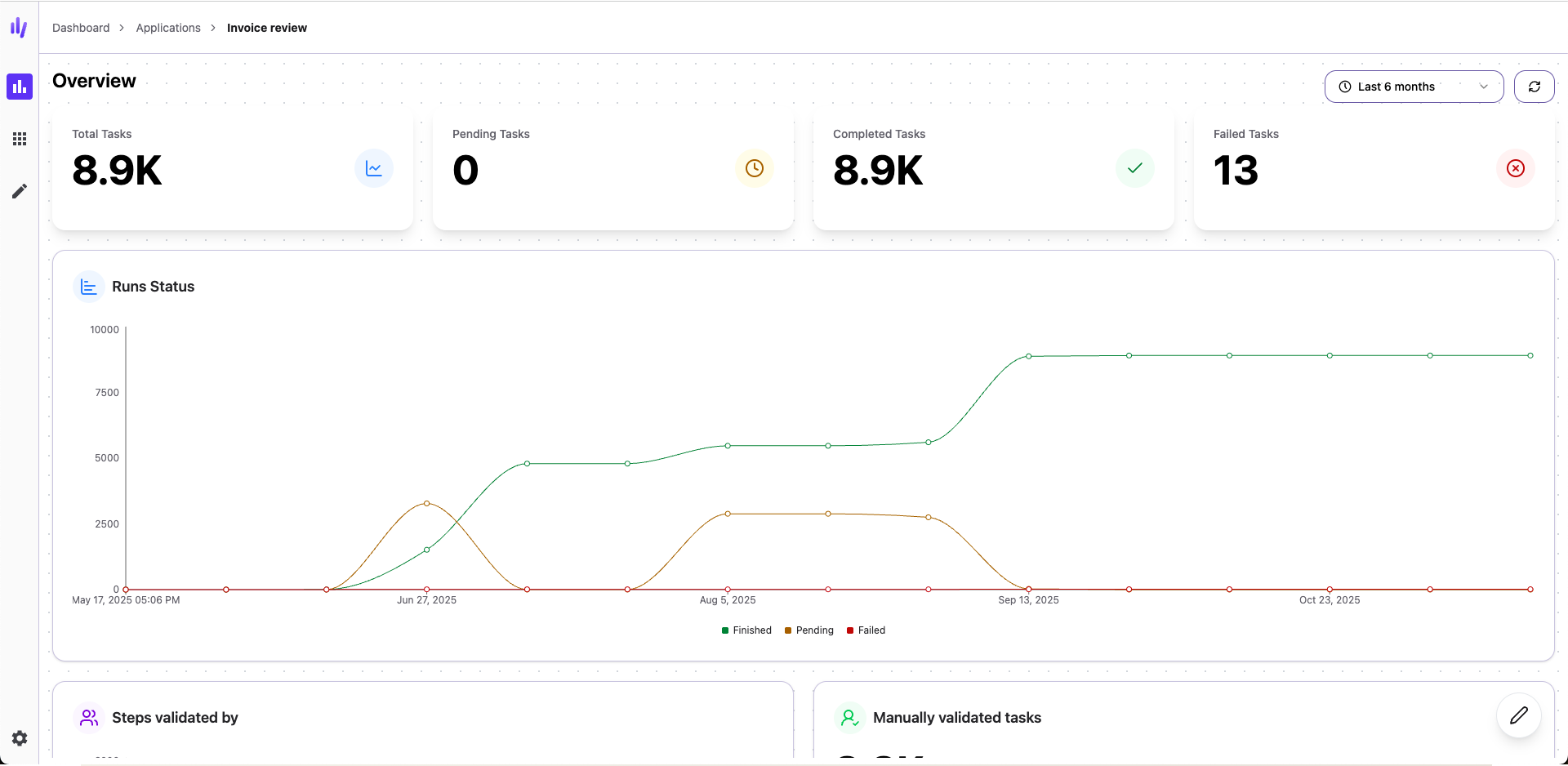
What’s inside an application?
An application can contain:- Workflows — One or more automated processes
- Tables — Data storage for your information
- Reports — Custom dashboards to track progress
- Widgets — Visual displays of your data
- Validation queue — Where you review and approve items
Creating applications
You can create applications in two ways:- From scratch — Build a custom application tailored to your exact needs
- From the catalog — Start with a ready-made application and customize it to fit your process
What makes applications powerful
Everything in one place
Instead of scattered workflows and data, applications keep everything organized:- All workflows for a process are grouped together
- Data is stored in application-specific tables
- Team members know exactly where to find things
- Easy to track progress and performance
Review and validate
Applications provide a centralized place to:- Review items waiting for approval
- Validate data extracted by AI
- Assign tasks to team members
- Track what’s been completed
Share and collaborate
Applications make it easy to work with your team:- Share access with team members
- Create custom widgets to display important information
- Generate reports everyone can view
- Collaborate on validation and review
Monitor performance
Keep track of how your automation is working:- View custom dashboards
- Check processing status
- Monitor success rates
- Identify bottlenecks
Best practices
Start simple Begin with one workflow and expand as needed. Don’t try to build everything at once. Use clear names Name your applications, workflows, and tables clearly so everyone understands their purpose. Organize by process Create one application per business process, not per department or team. Review regularly Check your applications periodically to optimize performance and remove what you don’t need. Share knowledge Document how your applications work so team members can use them effectively.Next steps
Workflow Concepts
Learn how to build workflows for your applications
Tables
Understand how to store data in applications